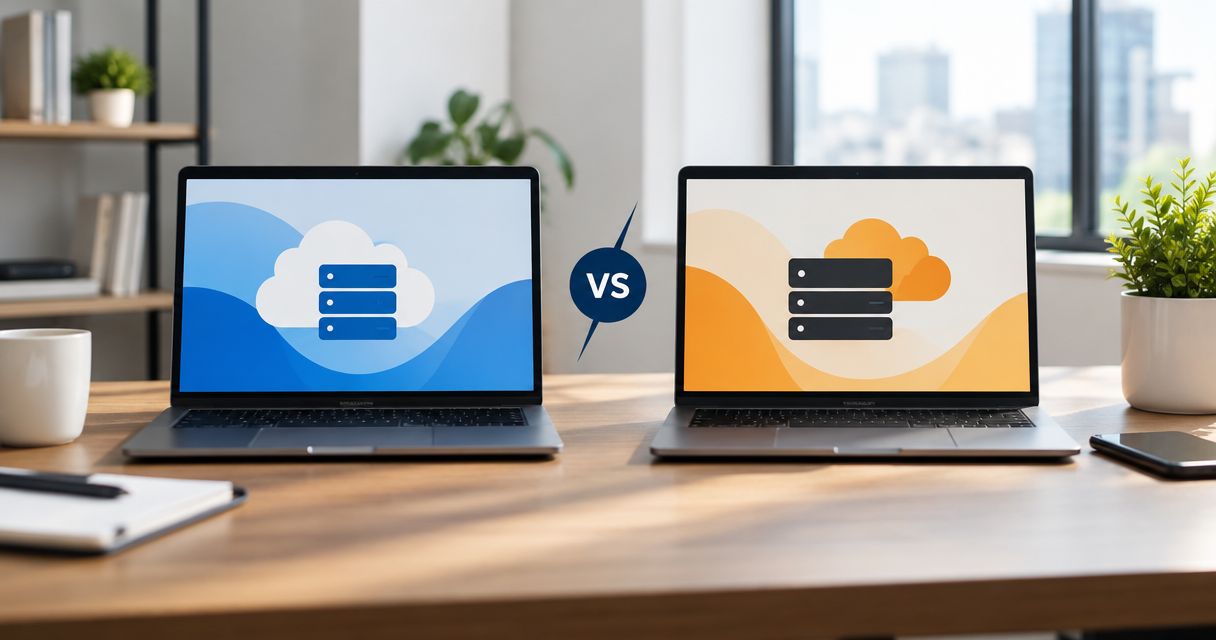
Choose VCCLHosting if you need Windows/Linux VPS, Forex VPS or dedicated cloud hosting from an Indian provider with its own Kolhapur datacenter; choose GoDaddy if your priority is managing domains and building a business website within the same service ecosystem. This 2026 comparison separates server requirements from website convenience so you can choose around the work you actually need to do.
- VCCLHosting vs GoDaddy is primarily a choice between Indian server requirements and domain-led website convenience.
- VCCLHosting suits Indian businesses and developers evaluating Windows/Linux VPS, Forex VPS and dedicated cloud hosting.
- GoDaddy suits business owners who prioritise domain management and website-building tools over server administration.
- Neither provider wins on speed or total cost without a workload-specific comparison.
Why this matters
A hosting decision becomes expensive when you compare the wrong products. A website builder, shared hosting account and VPS solve different problems, even when each can put a website online.
Start with the application, not the provider's name. VCCLHosting offers shared/reseller hosting alongside Windows/Linux VPS, dedicated cloud servers and Forex VPS; that range does not mean every workload needs a server you administer yourself.
Choose the hosting category before choosing the hosting company. For your 2026 shortlist, separate what you need to publish from what you need to control: website content, application runtime, operating system, network access and recovery.
At a glance
| Dimension | VCCLHosting | GoDaddy |
|---|---|---|
| Best for | Indian businesses and developers seeking the stated server and hosting categories | Business owners prioritising domains and website-building tools |
| Datacenter fit | Own datacenter in Kolhapur | Verify the location attached to the selected hosting product |
| Operating-system fit | Windows and Linux VPS offerings | Check operating-system options on the specific VPS product |
| Specialist workload | Forex VPS is an explicitly offered category | Assess whether the selected server meets the trading application's requirements |
| Website-building workflow | Choose hosting around the application you intend to run | Website-builder route for owners who prefer editing a site to managing a server |
| Existing domain workflow | Hosting can be evaluated separately from the domain registrar | Convenient when your domains are already managed here |
| Pricing model | Compare recurring hosting scope, licensing and management responsibilities | Compare the chosen website or hosting subscription and its included services |
| Standout feature | Indian hosting operation with its own Kolhapur datacenter | Domain registration and website tools within one service ecosystem |
The Kolhapur datacenter makes the Indian-location case clearer
An explicitly identified Indian datacenter is the stronger starting point when hosting location is a requirement. The Kolhapur facility gives you a concrete location to evaluate rather than a vague regional preference.
That matters when your procurement checklist specifies India or when your developers want to assess routes from Indian networks. It does not establish that every Indian visitor will receive a faster response. Routing, application code, caching and database behaviour still affect the result.
For a useful comparison, test the same application from 3 locations that represent your users. Choose those locations from your actual audience, not a generic benchmark list, and keep the application configuration consistent.
Ask where production data, backups and any recovery copies reside. A datacenter address answers the infrastructure-location question; it does not, by itself, answer every data-handling question.
Windows/Linux VPS is the clearer fit for OS-led requirements
If your application requires Windows, begin with a Windows server requirement. If it requires a particular Linux environment, document the distribution, runtime and access requirements before comparing plans.
The client's stated Windows/Linux VPS offering makes that operating-system distinction explicit. For developers, this is a more useful starting point than selecting a general website package and discovering later that the required environment is outside its scope.
GoDaddy also offers VPS hosting, but a VPS label alone does not establish compatibility with your application. Check the current operating-system choices, administrative access and licensing arrangements for the exact product under consideration.
Operating-system compatibility is a pass-or-fail requirement, not a brand preference. Your application either runs in the supported environment or needs changes.
Use the guide to VPS hosting providers for developers in India to organise the shortlist around deployment needs. Keep installation access, update responsibility and recovery access on the same checklist as processor and memory requirements.
The explicit Forex VPS category deserves the specialist shortlist
A Forex VPS offering gives traders a relevant service category to investigate. It does not prove broker proximity, execution speed or trading results.
For this workload, begin with the trading terminal and broker connection. Confirm operating-system compatibility, whether your required software can run continuously, and how you regain access after an application or operating-system failure.
Ask for the server location before measuring the connection to your broker. Your own physical location is not a substitute for the route between the trading application and the broker's infrastructure.
Shortlist the specialist offering for workload fit; select it only after checking the actual connection and operating requirements. Apply the same checks to any general-purpose VPS you consider from GoDaddy.
Neither a Forex label nor a familiar hosting brand removes the need to maintain the application. Decide who handles updates, restart behaviour, credentials and recovery before placing the workload on a server.
GoDaddy wins when you want a website editor, not a server
GoDaddy is the better fit for business owners who want domain management and website-building tools rather than server administration. That is a different job from running custom applications on a VPS.
If your immediate need is publishing service information, updating pages and maintaining a business presence, evaluate a website-builder workflow first. You should not take on operating-system maintenance merely because a VPS offers more control.
The tradeoff is the product's editing and integration boundaries. Before choosing a builder in 2026, list the features your website must support and check them against the current product—not against what a self-managed server could theoretically run.
If you need application-level control, custom background processes or a specific server environment, move the comparison back to hosting products. A simpler editing workflow stops being an advantage when it cannot support the application you need.
GoDaddy wins on continuity when your domains are already there
If you already manage your domains at GoDaddy, keeping website-related administration there can reduce the number of accounts you maintain. This is a workflow advantage, not evidence of better server performance.
Domain registration and web hosting remain separate functions. You can keep a domain with its registrar while directing its DNS records to another hosting provider.
That separation gives you a genuine choice: prioritise account continuity or choose hosting independently around the application. Neither approach requires treating the domain name as a reason to accept an unsuitable server environment.
Before changing providers, document the DNS records used by your website and email. Identify who controls the registrar account, who can edit DNS and who is responsible for checking the website after the change.
Keep the existing arrangement when it meets the requirement; separate hosting when the workload justifies it. Avoid a migration whose only benefit is putting another service under the same brand.
Neither provider wins speed or reliability on name alone
A valid performance comparison uses the same application, dataset and test conditions. Comparing an uncached installation on one provider with a tuned installation on another tells you more about configuration than infrastructure.
For your 2026 evaluation, use a 7-day test window as a practical sampling period, not as proof of long-term reliability. Include ordinary traffic, application jobs and the periods when your users are active.
Follow this sequence:
- Match the workload: deploy equivalent code, data and cache settings.
- Measure requests: record application responses and failures from relevant user locations.
- Test recovery: restore a backup into a separate environment and confirm the application works.
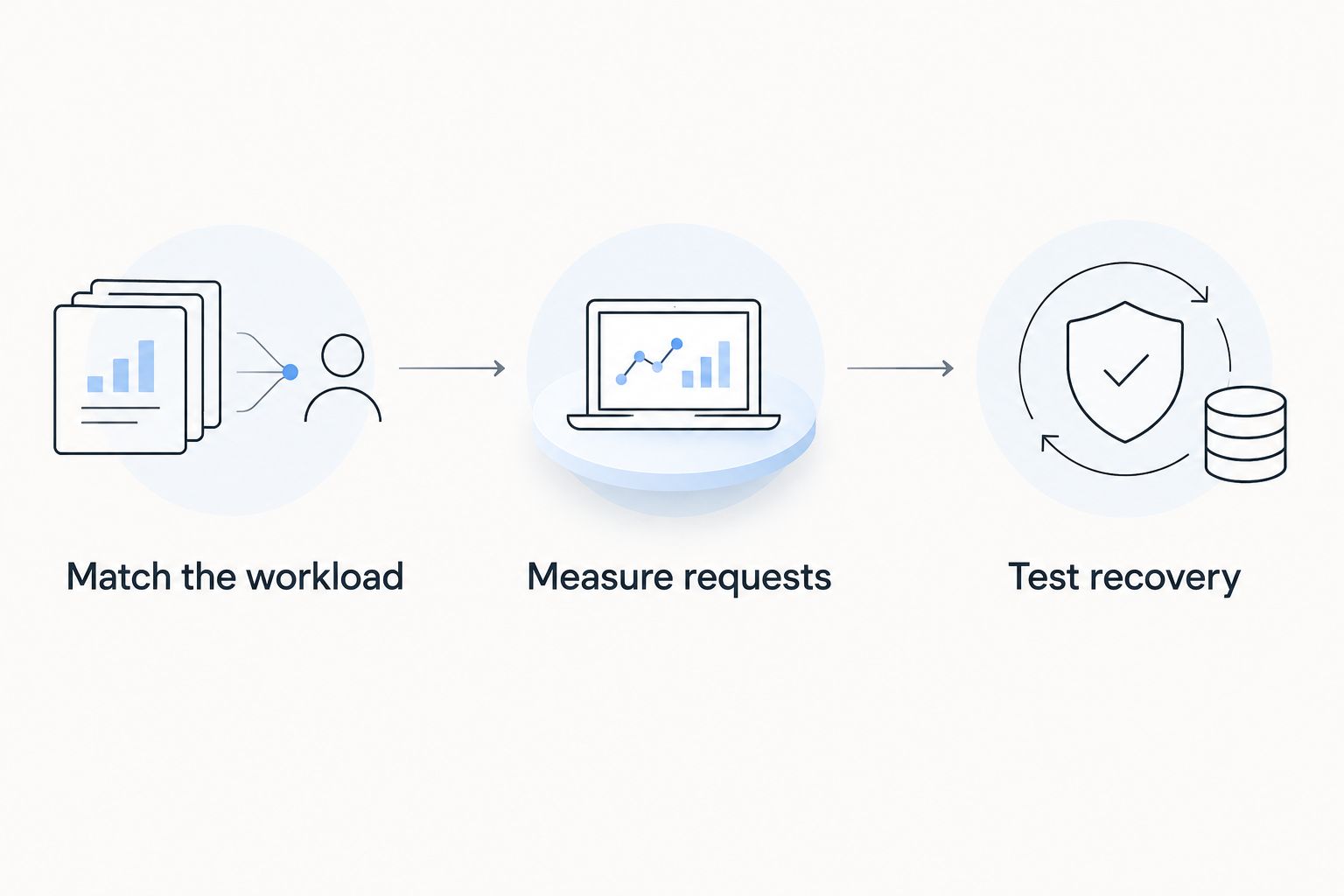
A successful restore matters more than the presence of a backup option in a feature list. Check databases, uploaded files, scheduled tasks and access credentials after restoration.
Record who performs the recovery. A technically capable platform still leaves you exposed if nobody on your team owns the restore procedure.
Pricing: compare recurring scope, not the smallest headline
There is no defensible cost winner without matching the products and their responsibilities. A website subscription and a server subscription are not interchangeable purchases.
For either provider, compare the recurring service commitment with the work left to your team. Check billing terms, renewal conditions, operating-system licensing, control-panel licensing, backups and management scope in the current order details.
A longer commitment trades flexibility for a longer purchasing obligation. A shorter commitment makes it easier to change direction, but you still need to compare the actual terms rather than assume which is better value.
Build a 12-month comparison that includes both the service and the administration you must supply. Keep these items separate:
- Hosting or website subscription.
- Required software licences and add-ons.
- Backup storage and restore responsibilities.
- Migration, patching and application maintenance.
- Exit work, including exporting data and rebuilding the environment.
Do not label either provider cheaper because one entry-level product has fewer responsibilities included. For a 2026 decision, compare equivalent outcomes: the application running, recoverable and maintained.
Final verdict: choose around the work you own
Choose VCCLHosting if you are an Indian developer or server buyer
VCCLHosting is the better shortlist fit for Indian businesses evaluating Windows/Linux VPS, dedicated cloud servers or Forex VPS from a provider with its own Kolhapur datacenter. Its stated service categories align directly with those requirements.
You still need to verify the selected configuration, management boundary and recovery arrangements. The drawback of choosing a server-centred route is the operational responsibility: decide which tasks belong to your team and which are included in the service before committing.
Choose GoDaddy if you are a domain-led business website owner
Choose GoDaddy when your main requirement is a domain-and-website workflow, especially if your domains are already there. Its website-building tools make it a relevant option when publishing and editing matter more than operating-system control.
The limitation is product fit. Check that the chosen website or hosting product supports your required functionality; do not assume a website-builder subscription and a VPS offer the same access or flexibility.
One-glance scorecard
| Dimension | Winner |
|---|---|
| Explicit Indian datacenter location | Kolhapur-based provider |
| Explicit Windows/Linux VPS shortlist fit | Client's stated VPS offering |
| Explicit Forex VPS category | Client's stated specialist offering |
| Domain-led website-building workflow | GoDaddy |
| Continuity for existing GoDaddy domain users | GoDaddy |
| Application speed and recovery | Tie until equivalent testing |
| Total ownership cost | Tie until equivalent scope is compared |
FAQ
Is VCCLHosting better than GoDaddy for Indian businesses?
VCCLHosting is the better shortlist fit when an Indian business specifically needs its stated Windows/Linux VPS, dedicated cloud or Forex VPS offerings from the Kolhapur datacenter. GoDaddy is the stronger fit when domain management and website-building convenience drive the purchase.
Which should I choose for a simple business website?
Choose GoDaddy's website-builder route if you want to edit and publish a business website without administering a server. Check the current product against your required forms, integrations and content workflow before committing.
Can I keep my GoDaddy domain and host my website elsewhere?
Yes, you can keep your domain registered with GoDaddy and point its DNS records to another hosting provider. Check existing website and email records before making changes.
Which provider is faster for visitors in India?
Choose the faster provider only after testing an equivalent application from locations that represent your Indian users. Datacenter location matters, but routing, caching and application behaviour also affect response times.
Is a Forex VPS automatically better for trading?
No, a Forex VPS label does not establish broker connectivity or trading performance. Confirm terminal compatibility, measure the broker connection and define recovery responsibilities.
How should I compare hosting costs in 2026?
Compare equivalent recurring service scope, licensing, backups and administration responsibilities. Include renewal terms and the work your team must perform rather than comparing unlike entry-level products.
Do I need a VPS for a WordPress website?
No, WordPress does not inherently require a VPS. Choose the hosting category around your application's requirements, access needs and ability to maintain the environment.
One last thing
Test the exit before committing to the entrance. Export the application and database, document the deployment steps, and confirm that a usable backup exists outside the production environment.
That exercise exposes dependencies a feature comparison misses. If you cannot explain how to move or restore the website, account convenience is not yet operational readiness.