
Instead of filtering unwanted web traffic directly on your server, connect Cloudflare to VPS hosting by moving your domain’s authoritative DNS to Cloudflare, proxying its web records, and securing the origin connection. This 2026 guide covers DNS, HTTPS, firewall restrictions, and verification without treating Cloudflare’s website proxy as protection for every server service.
- To connect Cloudflare to VPS hosting, proxy your website’s DNS records and use Full (strict) encryption.
- Cloudflare protects proxied web traffic; ordinary DNS proxying does not protect SSH, RDP, or trading connections.
- Restrict origin web access to Cloudflare addresses only after testing HTTPS and preserving administrator access.
- VCCLHosting supplies Windows/Linux VPS hosting; Cloudflare configuration remains a separate website-security task.
Why this matters
Changing nameservers alone does not put Cloudflare between visitors and your VPS. The website’s DNS records must use Proxied, and the origin must accept Cloudflare’s HTTPS connections.
VCCLHosting VPS hosting fits Indian businesses and developers seeking Windows or Linux servers. If you use VCCLHosting, apply the same DNS, certificate, and firewall checks described below; hosting location does not replace origin security.
The important limit in 2026 is scope: Cloudflare’s standard website proxy handles supported HTTP and HTTPS traffic, not arbitrary applications listening on your VPS. An exposed origin address also remains reachable directly unless you restrict access. Even with origin firewall rules, attacks against the origin IP can still require upstream mitigation from your hosting provider.
Before you start
- Accounts and access: Have access to your domain registrar, a Cloudflare account, and administrator access to the VPS. Keep your hosting console or another recovery method available before editing firewall rules.
- Working website and certificates: Confirm that your web server serves the correct hostname and that you can install a certificate. Keep a copy of existing DNS records, including mail records, before changing nameservers.
- DNSSEC gotcha: If the registrar publishes a DS record for the existing DNS provider, remove that old DS record before changing nameservers. After Cloudflare becomes authoritative, enable DNSSEC there and publish its new DS details at the registrar.
Treat the following as a website workflow, not a server-wide DDoS configuration. For the 2026 setup, record which hostnames serve websites, which handle mail, and which provide administrator access before changing any proxy setting.
Choose the DNS mode
Cloudflare’s Proxied and DNS only settings serve different purposes. Use the setting that matches the service, rather than enabling the proxy on every record.
| Configuration | Best for | Benefit | Limitation |
|---|---|---|---|
| Proxied | Public websites and supported web APIs | Routes supported web traffic through Cloudflare’s reverse proxy | Does not proxy arbitrary server protocols |
| DNS only | Mail hosts and direct service hostnames | Resolves a hostname directly to its configured destination | Does not place Cloudflare’s web protection in the traffic path |
Use Proxied for the website, not for every hostname on the server. A DNS-only hostname pointing to the same VPS can reveal the origin address, so separate public web routing from administration wherever your infrastructure permits.
Domain and DNS configuration
- Add your domain to your Cloudflare account and select the account configuration appropriate to your requirements. Review the imported DNS records rather than accepting the scan without checking it.
- Open DNS, then Records. Check the website’s A record against the VPS’s public IPv4 address; check any AAAA record against its public IPv6 address.
- Use Add record for missing entries. For an address record, enter the hostname in Name and the server address in IPv4 address or IPv6 address, as appropriate.
- Preserve MX, TXT, and other records needed for email and domain verification. A mail server’s address record should remain DNS only, not Proxied.
- Leave website records DNS only while preparing origin HTTPS. Replace the existing nameservers at your registrar with the exact nameservers assigned by Cloudflare.
- Wait until Cloudflare reports the domain as active. Confirm that public DNS queries return the intended records and that email still works.
Expected result: Cloudflare is authoritative for the domain, while the website continues reaching the intended server. You have not yet completed the protective proxy configuration.
Do not leave an incorrect AAAA record alongside a correct A record. Visitors using IPv6 can reach a different destination, producing failures that appear inconsistent across devices or networks.
Origin HTTPS configuration
Cloudflare creates two separate connections: visitor to Cloudflare, and Cloudflare to your VPS. Both need the correct HTTPS configuration; a browser padlock alone does not prove the second connection is secure.
- Install an origin certificate covering every website hostname you intend to proxy. Use a publicly trusted certificate or a Cloudflare Origin CA certificate, and install the corresponding private key securely.
- Configure the web server’s HTTPS virtual host or site binding for the correct hostname. Make sure it serves the intended application on port 443, rather than a default site.
- Verify the origin certificate’s hostname, validity period, and certificate chain. A Cloudflare Origin CA certificate is intended for Cloudflare-to-origin connections; browsers do not normally trust it directly.
- Open SSL/TLS, then Overview, in Cloudflare. Set the encryption mode to Full (strict).
- Check the application’s proxy-related HTTPS configuration. If it uses forwarded scheme information, trust it only from the reverse proxy rather than from arbitrary clients.
Expected result: The origin can serve HTTPS with a certificate Cloudflare accepts, and Full (strict) is selected before you enable website proxying.
Avoid Flexible as a workaround for a missing origin certificate. It leaves the Cloudflare-to-origin connection unencrypted and can create redirect loops when the application forces HTTPS.
For a 2026 deployment record, save the certificate renewal method as well as the encryption setting. If renewal depends on an HTTP validation path, confirm that your later firewall and redirect rules will not break it.
Website proxy and verification
- Return to DNS, then Records. Edit the website’s A, AAAA, or CNAME records and set Proxy status to Proxied.
- Visit each public hostname over HTTPS. Check the main page, sign-in, form submissions, and any API endpoint your application needs.
- Inspect a response in your browser’s developer tools. A
cf-rayresponse header is a useful indicator that the request passed through Cloudflare; do not use it as your only test. - Query public DNS again. Proxied website records should return Cloudflare addresses rather than directly publishing the configured origin address.
- Check the application’s access logs and Cloudflare’s traffic or security views. Confirm that requests reach the intended site and that legitimate application actions succeed.
Expected result: Visitors reach the website through Cloudflare, while Cloudflare connects to the VPS using validated HTTPS.
Test an uncached page or authenticated action, not just the home page. A cached response can look healthy even when the origin application is failing.
The traffic path should now follow this sequence. Keep that sequence separate from administrator access, which needs its own protection.
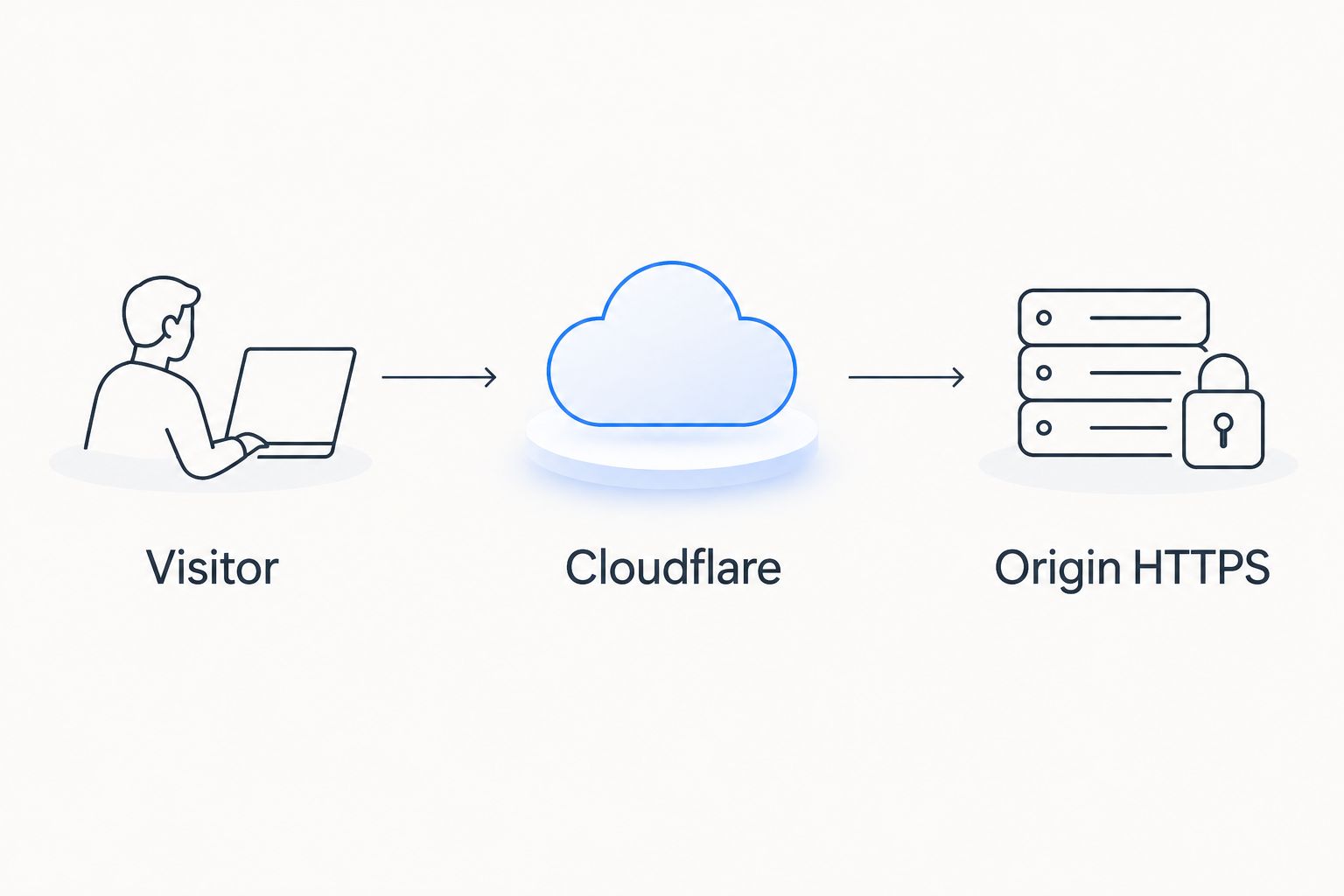
Origin firewall configuration
Do not restrict the origin until the proxied website works. Apply changes with a recovery console available and an existing administrator session open.
- Back up the active firewall configuration. Check both the operating-system firewall and any provider-level network firewall.
- Identify the current Cloudflare IPv4 and IPv6 ranges from Cloudflare’s published IP-address documentation. Do not copy an old list from an unrelated tutorial.
- Allow those source ranges to reach the website on port 443. Permit port 80 only where your redirect, certificate-validation, or application design requires it.
- Preserve administrator access separately. Restrict SSH on port 22, or RDP on port 3389, to trusted sources or an appropriate private-access method; do not expect the website proxy to carry those connections.
- Deny other public sources access to the website’s origin ports. Review IPv4 and IPv6 rules together so one address family does not bypass the restriction.
- Test the public website again, then test direct origin access from a source outside the allowlist. The proxied site should work while the direct web connection is blocked.
Expected result: Public web requests reach the origin through Cloudflare, and administrator access remains available through its separate permitted path.
When checking a VCCLHosting VPS, distinguish guest firewall rules from upstream protection. Dropping packets inside the VPS does not stop those packets from reaching the provider’s network first.
Preserve real visitor addresses safely
Your web server normally sees Cloudflare as the connecting client after proxying. Configure its trusted-proxy or real-IP feature to accept Cloudflare’s visitor-address information only from Cloudflare’s published ranges.
Otherwise, logs and application rate limits can treat many visitors as one source. Trusting the same headers from every source creates the opposite problem: a direct client can supply a false address.
Include trusted-proxy configuration and IP-range maintenance in your 2026 operational checklist. Firewall allowlists become a maintenance task once another network sits in front of the origin.
Update the workflow when your VPS address changes
A server migration does not require another nameserver change if Cloudflare remains the authoritative DNS provider. Update the origin records instead.
- Prepare the replacement server with the application, hostname configuration, and valid origin certificate before changing DNS.
- Apply the required Cloudflare source allowlists and preserve administrator access on the replacement server.
- In DNS, then Records, edit the relevant A and AAAA destinations. Keep Proxy status set to Proxied.
- Test uncached requests, login sessions, and application writes against the replacement origin. Keep the old server intact until you have confirmed the cutover.
Expected result: The hostname still resolves through Cloudflare, but requests reach the replacement VPS.
For repeat migrations, automate record updates through Cloudflare’s API using a narrowly scoped API token. Keep the token outside source control, limit its permissions to the required DNS changes, and log update failures without recording the secret.
Troubleshooting
Redirect loop after enabling the proxy
Check whether Flexible is selected while the origin redirects HTTP to HTTPS. Install a valid origin certificate, use Full (strict), and verify that the application correctly recognises trusted proxy HTTPS information.
Cloudflare shows error 521 or 522
Error 521 indicates that the origin refused Cloudflare’s connection; 522 indicates a connection timeout. Check that the web server is running, the origin address is correct, the required port is listening, and both firewall layers allow Cloudflare’s current source ranges.
Cloudflare shows error 526
Error 526 indicates an invalid origin certificate under strict validation. Check hostname coverage, expiry, certificate chain, and the certificate served by the matching HTTPS virtual host rather than weakening encryption to hide the fault.
Email stops after the nameserver change
Compare the Cloudflare DNS records with your saved export. Restore missing MX and mail-related TXT records, and ensure that a hostname used as a mail-server destination remains DNS only.
Direct origin access still succeeds
Check provider firewall rules, the operating-system firewall, IPv6, and alternate listening ports. Test with the intended hostname as well as the IP address: a different default virtual host can make a simple browser test misleading.
Customize your workflow
After the connection works, tune security controls around actual application behaviour. Test rules against checkout, sign-in, uploads, webhooks, and API clients before applying broad challenges or blocks.
Cloudflare website proxying adds a protective layer; it does not replace application updates, backups, or upstream DDoS protection. For VCCLHosting VPS hosting, retain a separate server-security checklist covering operating-system updates, exposed services, credentials, and recovery access.
Review the setup after application changes, not just after DNS changes. A new upload endpoint, webhook receiver, or container-published port can change what is exposed without changing the domain’s records.
FAQ
How do I connect Cloudflare to VPS hosting?
Add your domain to Cloudflare, verify its DNS records, and change the registrar’s nameservers to Cloudflare’s assigned nameservers. Configure origin HTTPS, select Full (strict), enable Proxied for website records, and restrict direct origin web access after testing.
Does changing nameservers enable Cloudflare DDoS protection?
Changing nameservers alone does not route website requests through Cloudflare. The relevant website records must use Proxied so supported web traffic passes through Cloudflare’s network.
Does Cloudflare protect SSH and RDP on my VPS?
Cloudflare’s standard website proxy does not protect ordinary SSH or RDP connections. Secure administrator access separately through source restrictions, private connectivity, or an appropriate access service.
Which Cloudflare SSL setting should I use for a VPS?
Use Full (strict) with a valid origin certificate covering the website hostname. This encrypts the origin connection and validates the certificate rather than merely accepting encrypted traffic.
Can I use Cloudflare with a Windows VPS?
Yes, Cloudflare’s website proxy can sit in front of a website hosted on a Windows VPS. Configure the web server’s HTTPS binding, certificate, DNS records, and Windows firewall rules for the intended hostname.
Why can visitors still reach my VPS IP directly?
Enabling Proxied does not automatically block direct connections to the origin address. Restrict origin web ports to Cloudflare’s published source ranges and check IPv6 and alternate exposed ports.
Does Cloudflare replace hosting-provider DDoS protection?
No, website proxying does not replace protection for the origin network or non-web services. Attacks sent directly to the VPS address can still require upstream mitigation even when the server firewall drops them.
One last thing
A successful proxied page load proves the route works, not that bypass is closed. Your final 2026 acceptance test needs both outcomes: the hostname works through Cloudflare, and an unauthorised direct connection to the origin’s web ports fails.
Repeat that test after a firewall reset, server migration, or IPv6 change. Those infrastructure changes can reopen direct access without altering any Cloudflare setting.